DIY 5th Gen Multi-Zone R454B
One outdoor unit can heat and cool multiple rooms, with a separate indoor unit in each room. Start by deciding how many rooms you want to serve. Choose a 2-, 3-, 4-, 5-, or 6-zone system below; each zone is one room with its own indoor unit and temperature setting.
How to choose your system
- Choose the number of rooms first. Open the option that matches how many rooms you want to heat and cool.
- Choose an indoor unit for each room. Start with the size that seems right for the room, then choose a Wall Mount or OuttaSight ceiling style when offered. Room size, insulation, windows, ceiling height, and climate can affect sizing. Ask us if you would like help choosing.
- Review the matching outdoor unit. The system will show compatible combinations. The total labeled capacity of the indoor units can be higher than the outdoor unit capacity. In that case, the outdoor unit sets the system’s maximum available output; it does not increase to match the indoor-unit total.
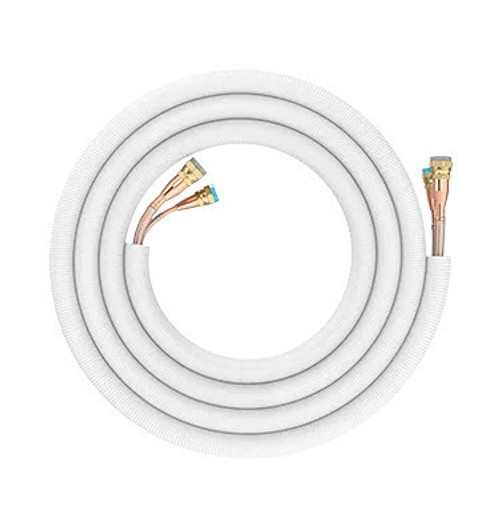
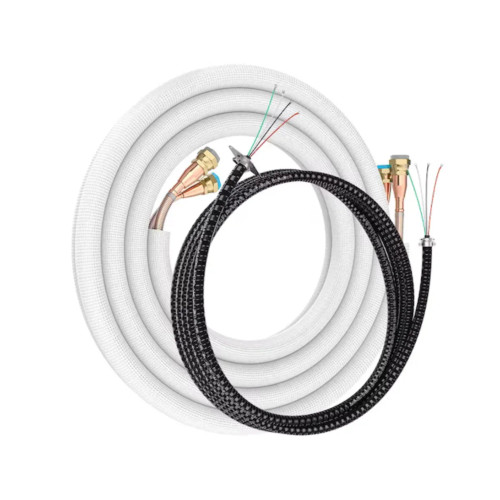
- Choose a connection line length for each room. Select the length that fits the route from that room’s indoor unit to the outdoor unit. If you do not need lines yet, choose no lineset if available; you can purchase one later. Check the product details for compatibility and included parts.
Before you buy: Minimum room-area requirements depend on the selected equipment and installation. Check the installation instructions for your exact system or contact us so we can help confirm the requirements.
Need help? Call (626) 678-6000 or email support.dasen@mrcool.com.
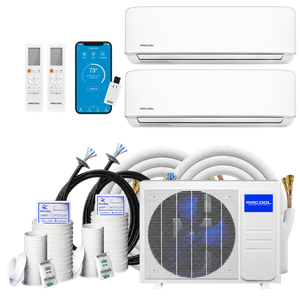
DIY 2 Zone Mini Splits
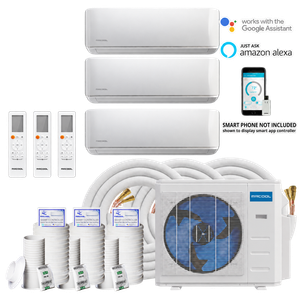
DIY 3 Zone Mini Splits
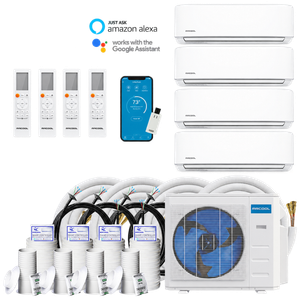
DIY 4 Zone Mini Splits
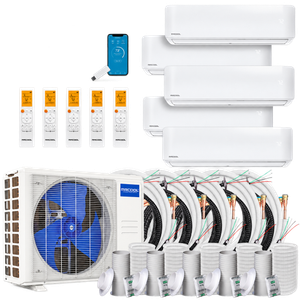
DIY 5 Zone Mini Splits
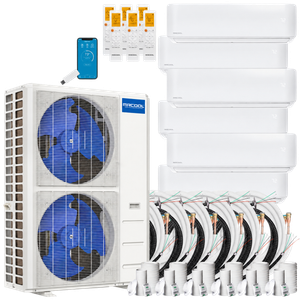
DIY 6 Zone Mini Splits